
It’s September 1st, and we are inching closer to the day that Windows 10 goes end of life. It’s not just physical devices that we need to be concerned about. If you have Windows 365 Cloud PC’s provisioned for your end users, they will need to be upgraded as well or they will be left out in the cloud.
Microsoft Intune offers a streamlined way to manage this upgrade process.
Prerequisites
• Cloud PCs meet Windows 11 hardware requirements (TPM 2.0, Secure Boot, supported CPU, RAM, storage).
• Cloud PCs were provisioned after Sept 29, 2021, or have been reprovisioned to meet Windows 11 requirements.
Big Chris Notes: Licensing is also something you want to ensure is in place, but if the user has been using a Cloud PC, most likely they have the proper Windows and Intune licensing.
Step-by-Step Upgrade Process
- Use the Windows 11 Readiness report in Intune to find devices that meet upgrade criteria.
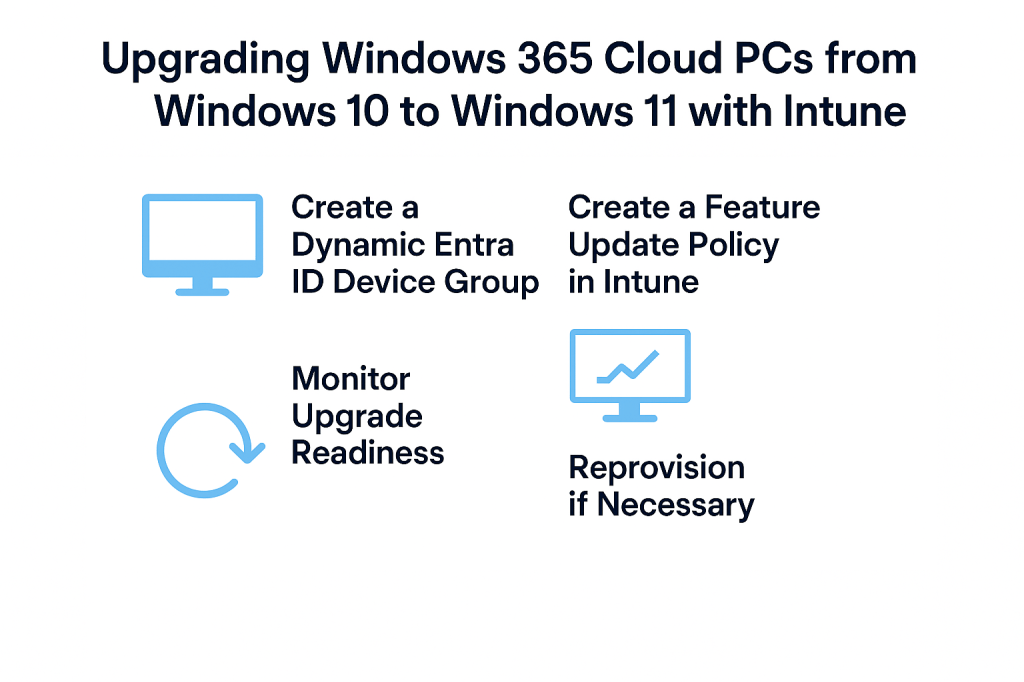
- If not already created, create a Dynamic Entra ID Device Group to target eligible Cloud PCs.
- Create a Feature Update Policy in Intune.
• Go to Microsoft Intune.
• Navigate to Devices > Windows > Feature updates for Windows 10 and later.
• Click + Create profile.
• Name your profile (e.g., Windows 11 Upgrade for Cloud PCs).
• Select Windows 11 version (e.g., 24H2).
• Assign the policy to the dynamic Entra ID group create previously containing your Cloud PCs. - Monitor Upgrade using Reports > Windows Update in Intune to track upgrade progress
- Reprovision Cloud PCs if necessary by editing the provisioning policy to switch the OS image from Windows 10 to Windows 11.
- Post-Upgrade Validation
• Confirm that devices are running Windows 11 via Device Inventory.
• Validate that apps and configurations are intact.
• Update any compliance policies or security baselines to reflect Windows 11 settings.
Big Chris Recommends:
• If you have a Cloud PC provisioned before Sept. 29, 2021, just reprovision to meet Windows 11 requirements AND with Windows 11 as the installed OS. It is a lot easier that way!
• Deploy upgrade with waves/phases using Windows Update deployment rings.
• Monitor progress using Windows Update reports in Intune.
Upgrading your Cloud PC’s to Windows 11 may seem like a significant chore. However, OS upgrading is not like the old “wipe and reinstall” days. With Windows 10/11 lifecycle management, tools like Intune, and proper planning, dynamic grouping, and feature update policies, you can ensure a smooth upgrade process for you and your end users. October is right around the corner, get upgrading now!

 Big Chris's Cloud PC Chronicles
Leave a comment